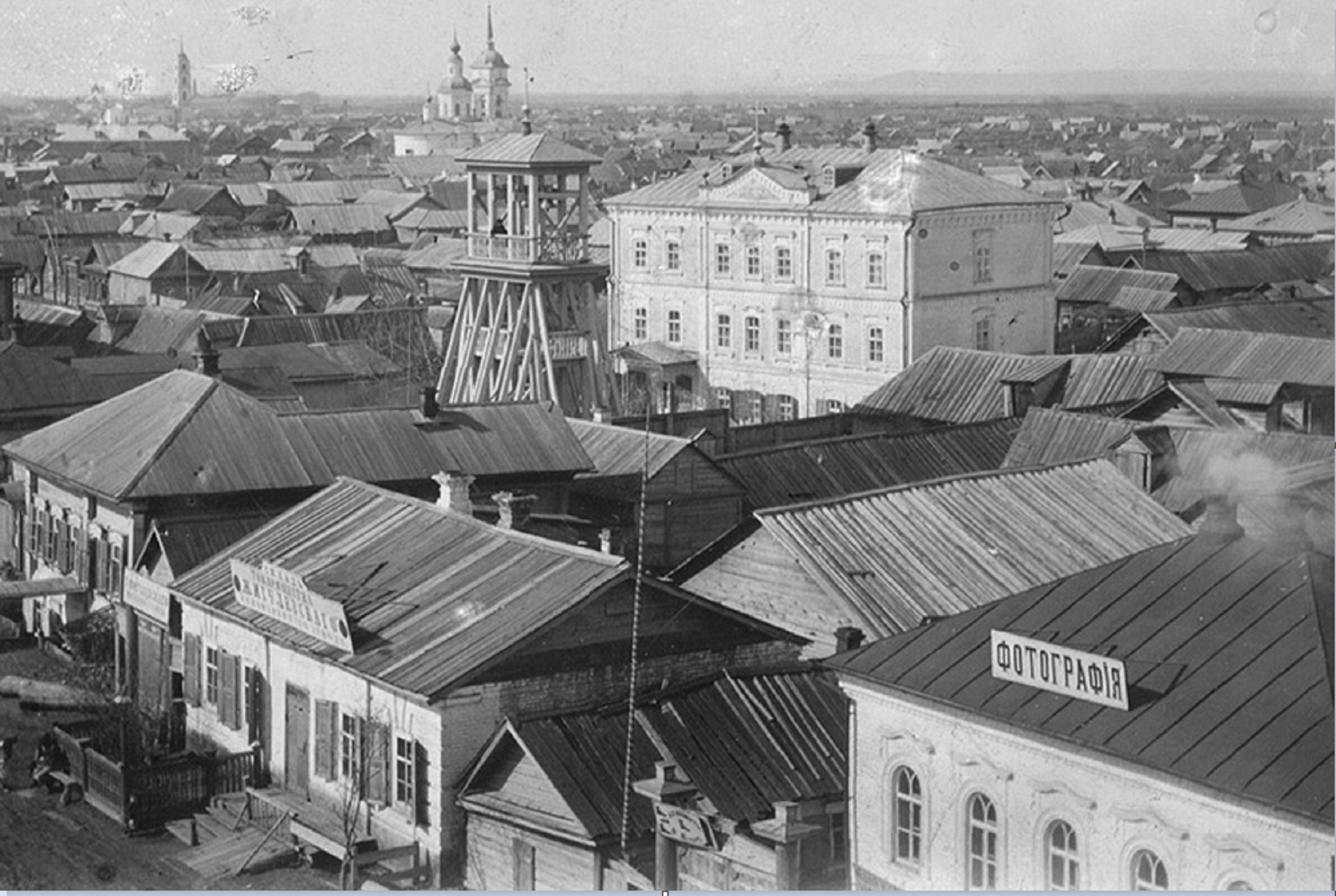
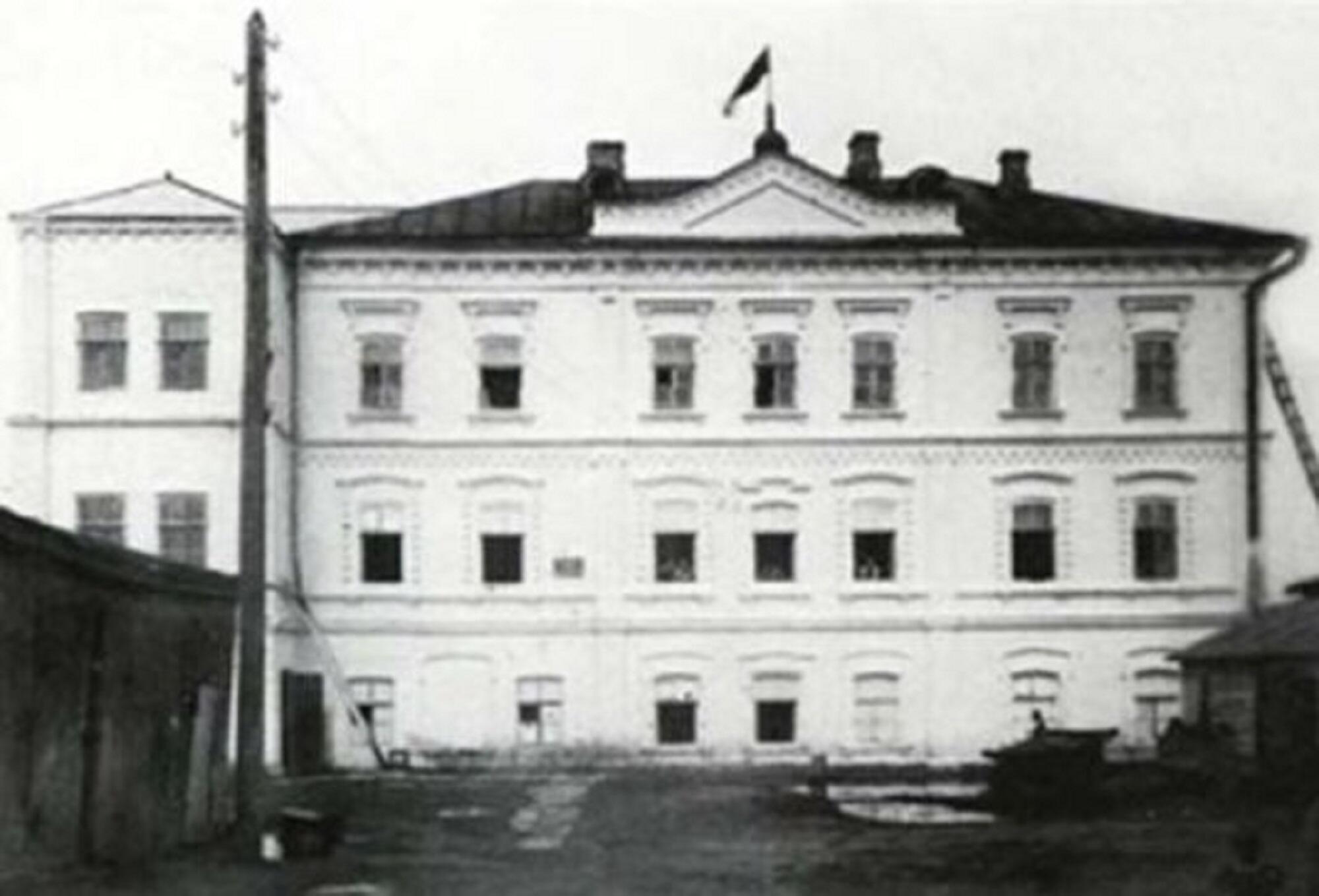
Religion and the church gave the only opportunity to meet the national spiritual needs of the population. A wooden ‘School – prayer’ house, that was a part of the Lutheran parish of the city of Saratov, was built in 1848. The Lutherans bought a three-story stone house from V. A. Lebedinskaya in 1891 and, according to the project of architect A.M. Salko, with the permission of the Ministry of Internal Affairs of Russia, rebuilt it into a prayer house with a kisterat, a bell tower, courtyard buildings and a well. In 1919, the Lutheran Church building was located at 10, Lutheran Lane. In 1930, the Presidium of the Pokrovsk Town Council heard the question ‘On the use of churches subject to seizure’ and decided that the Lutheran church building would be converted into a political education club. Then it was given to a music school and a music college. Both educational institutions were closed in 1941, and the building housed a branch of the hospital for evacuees. After the war, the building was dilapidated. Documents and memoirs of citizens helped to establish the location of Lutheran Lane: the beginning of Pokrovskaya Street (now Lenin Street) and up to Kobzarev (now Communist) Street. A multi-storey building is built on the site now, next to the Lazurny (Azure) shopping center.


1 / 2
The Lutheran Church
Creation period
первая половина XX века
Dimensions
21x30 cm
Technique
фотография
Collection
Exhibition
7
Open in app#1
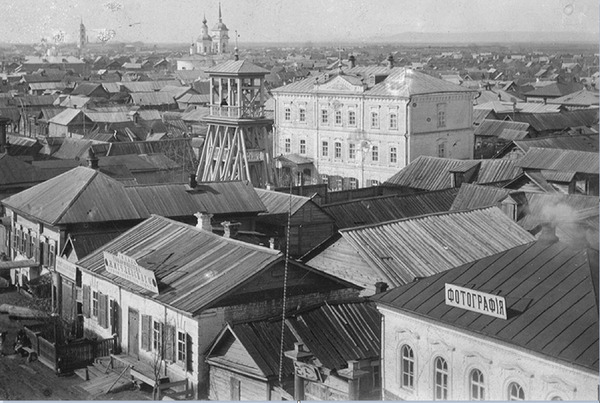
The Lutheran Church in Pokrovsk. The beginning of the XX century.
#2
read morehide
00:00
00:00
1x
The Lutheran Church
Creation period
первая половина XX века
Dimensions
21x30 cm
Technique
фотография
Collection
Exhibition
7
 Point your smartphone camera to open in the app
Open in app
Share