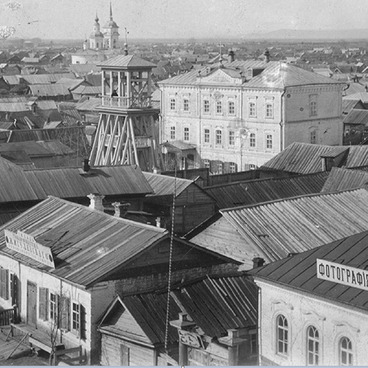
He was born in Engels in the family of Harry Schnittke, a journalist from Frankfurt am Main (Germany) and Maria Schnittke (née Vogel), a Volga German teacher from Marxstadt. He studied at the railway school No. 25, located on the corner of Sovetskaya and Stepnaya streets. The family was not deported in 1941, since the head of the family was Jewish. In 1946, the Schnittke settled in Moscow. Alfred Schnittke completed his graduate and postgraduate studies at the Moscow Conservatory in the early 60s. The fate of the great musician, State Prize Winner, Honored Artist of the Russian Soviet Federative Socialist Republic glorified Engels, the town of his difficult childhood. In 1991, by the invitation of the Berlin Conservatory, the musician left the Soviet Union for Germany. He is one of the few Soviet composers whose works are equally performed both at home and abroad. It is due to his multi-faceted talent, unique author’s style, resonating with the music of Mahler, Bruckner, Shostakovich, and due to his multinational and multicultural personality. He died in August 1998 after a serious illness. He was buried in Moscow at the Novodevichy Cemetery. This town honors his memory. Now A. Schnittke is an Honorary citizen of Engels (1997). His name was given to the Music and Aesthetic Lyceum (2003). Music festivals and competitions named after Schnittke are held in the town.
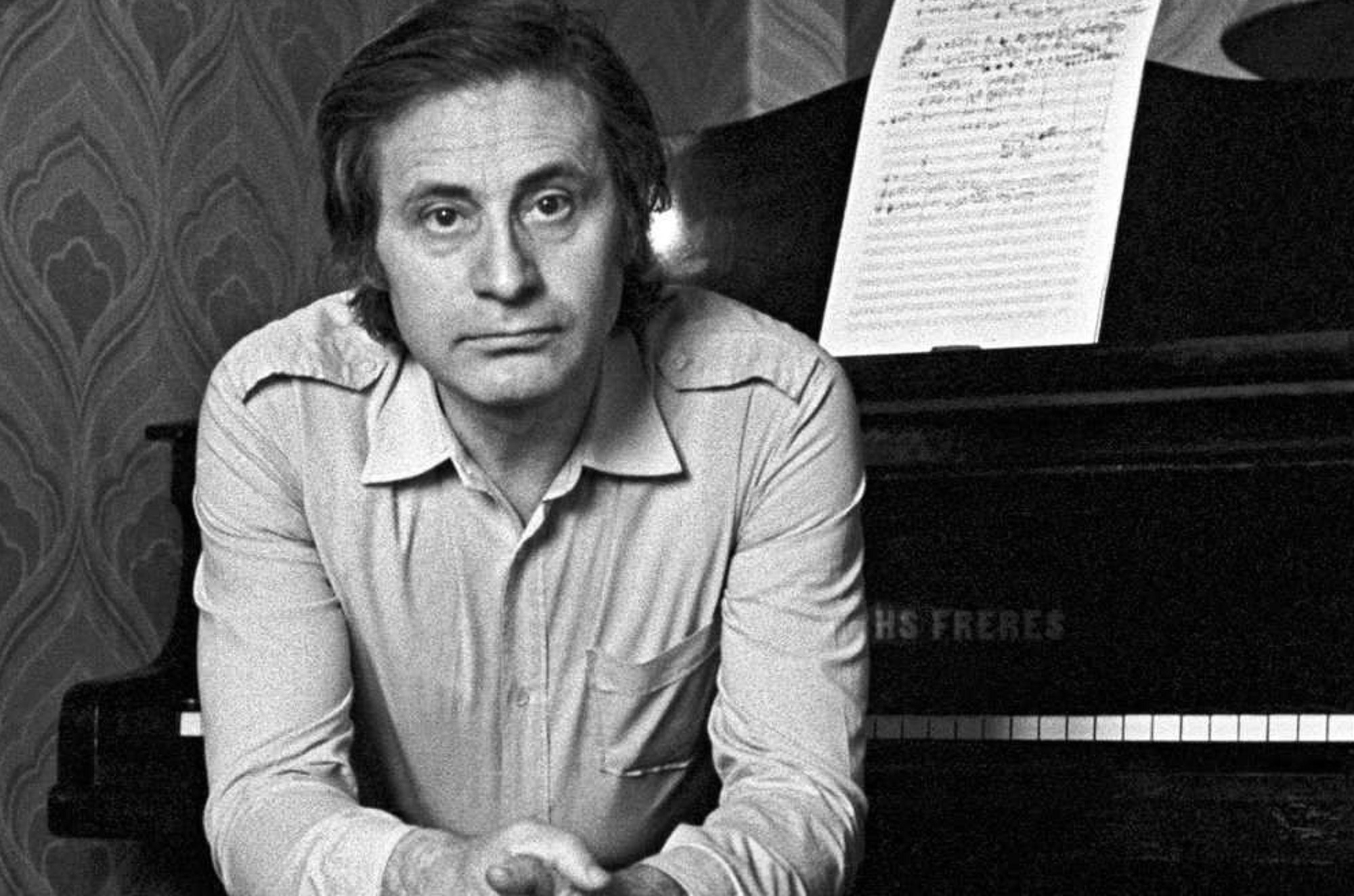


Alfred Garrievich Schnittke (1934-1998)
Creation period
вторая половина XX века
Dimensions
21x30 cm
Technique
фотография
Collection
Exhibition
3
Open in app#1

Alfred Garrievich Schnittke (1934-1998), a Soviet and German composer.
#2
read morehide
00:00
00:00
1x
Alfred Garrievich Schnittke (1934-1998)
Creation period
вторая половина XX века
Dimensions
21x30 cm
Technique
фотография
Collection
Exhibition
3
 Point your smartphone camera to open in the app
Open in app
Share