

A military banner is a flag that unites a military unit and indicates its affiliation with the state armed forces. The banner of the military unit symbolizes a soldier’s honor, valor and glory, and serves as a reminder to every soldier of the valorous traditions and the sacred duty of defending their land.
The Red Army introduced military banners in 1918. They differed in shape, color and symbols that were depicted on them. In 1926, the Red Army approved standard banners for its military units.
The Great Patriotic War brought about new banners. The decree issued on December 21, 1942 established a standard of the Red Banner for the Red Army military units. The Guards Army and Corps had their banner introduced on June 11, 1943.
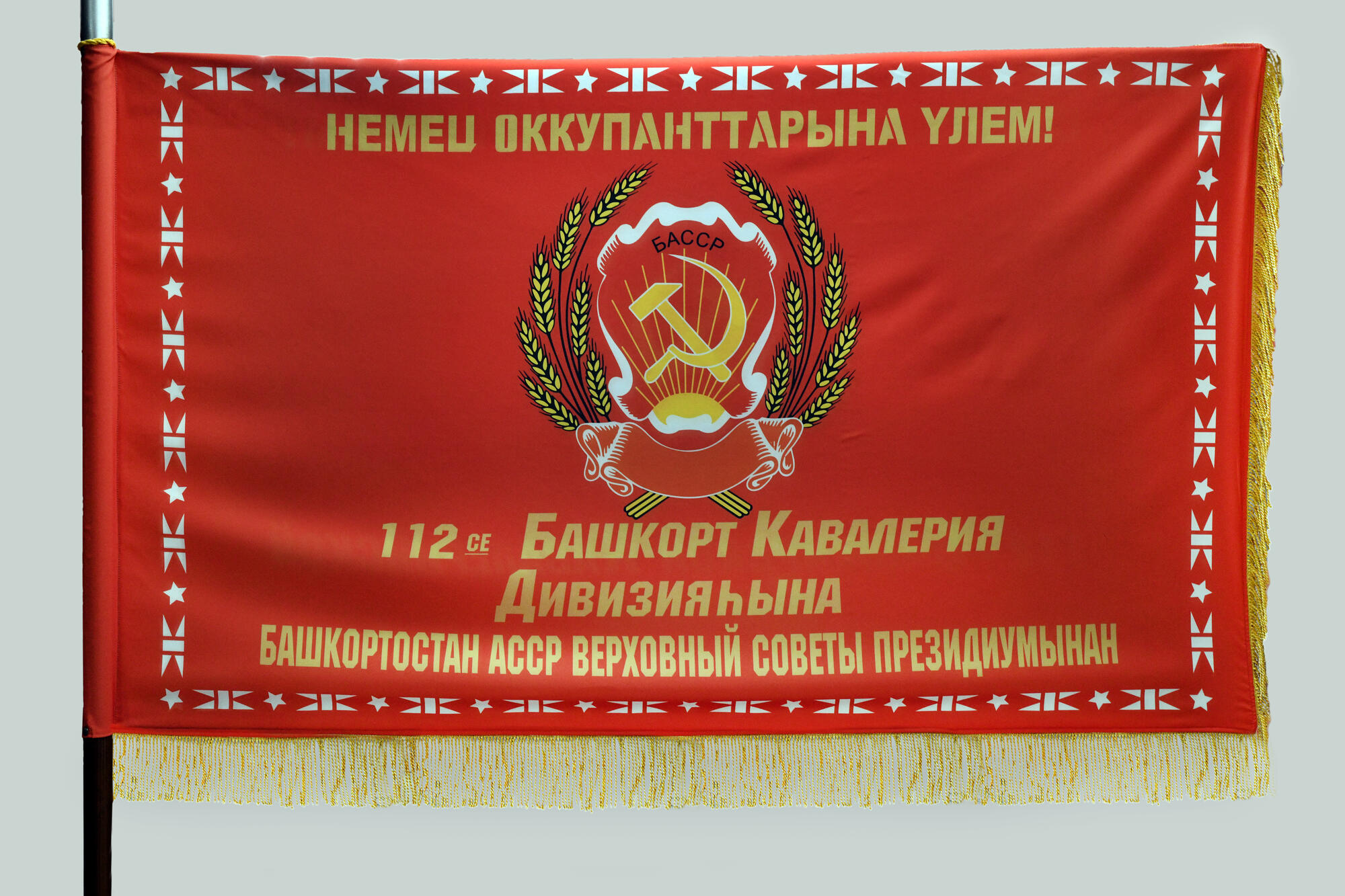
On March 22, 1942, on the eve of the 23rd anniversary of the formation of the Bashkir ASSR, a meeting of the 112th Bashkir Cavalry Division was held. Rakhim Kireyevich Ibragimov, chairman of the Presidium of the Supreme Soviet of the BASSR, solemnly presented the soldiers of the division with the banner of the Presidium of the Supreme Soviet and the Council of People’s Commissars of the republic, as well as the text of the mandate from the Bashkir people. Minigali Mingazovich Shaymuratov kissed the corner of the Red Banner and assured those present, “We will not let our people down. We will fight the enemy with a brave heart till our last breath and we will bring the victory home!”
The Red Army introduced military banners in 1918. They differed in shape, color and symbols that were depicted on them. In 1926, the Red Army approved standard banners for its military units.
The Great Patriotic War brought about new banners. The decree issued on December 21, 1942 established a standard of the Red Banner for the Red Army military units. The Guards Army and Corps had their banner introduced on June 11, 1943.
On March 22, 1942, on the eve of the 23rd anniversary of the formation of the Bashkir ASSR, a meeting of the 112th Bashkir Cavalry Division was held. Rakhim Kireyevich Ibragimov, chairman of the Presidium of the Supreme Soviet of the BASSR, solemnly presented the soldiers of the division with the banner of the Presidium of the Supreme Soviet and the Council of People’s Commissars of the republic, as well as the text of the mandate from the Bashkir people. Minigali Mingazovich Shaymuratov kissed the corner of the Red Banner and assured those present, “We will not let our people down. We will fight the enemy with a brave heart till our last breath and we will bring the victory home!”