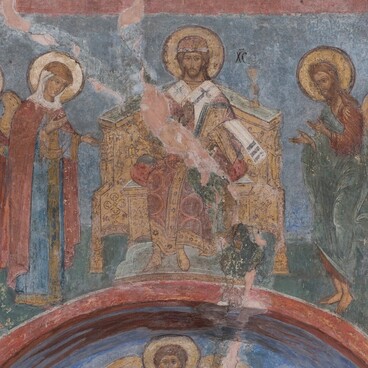
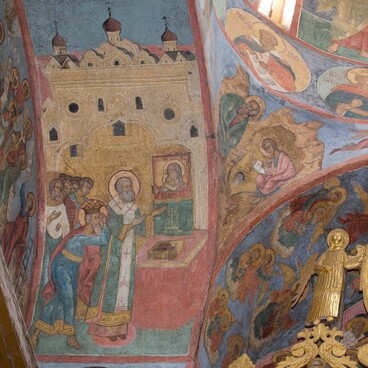
The Praise of the Virgin Mary is an Orthodox holiday and rite performed on the fifth week of Great Lent on Saturday. And the fresco of the throne image of the Virgin is preceded by the Old Testament prophets Gideon, Jesse, Aaron, Habakkuk, David, Moses, Daniel, Solomon, Zechariah, Elijah, Ezekiel, Jacob. In their hands they hold scrolls with the texts of their prophecies, foreshadowing the coming of the Savior to the world, as well as the symbols of the Virgin Mary: fleece, kyoto, bush, mountain, house and ladder. Above the Mother of God is the belt image of Christ Immanuel in the opened heavens.
The literary basis of the Praise plot is made up of Old Testament prophecies about the Mother of God and the Incarnation, which received a poetic transcription in Christian solemn chants. One of the main sources of iconography is the song from the canon to the prophets of St. German of Constantinople (8th century), which lists almost all the symbolic epithets of Our Lady, borrowed from the Old Testament prophecies. The iconography of the plot, in the form in which it is represented with a few changes on the fresco, developed by the middle of the 15th century.
Full name: Praise of the Blessed Virgin Mary
Creation Time: 1641
Technique: Fresco, Tempera
Location: Northeastern Cheek
The Prophet Gideon with a Runo (fleece) in the form of a green coil; the inscription on the scroll is a reminder of the miraculous descent of dew on the fleece. " Irrigated Fleece " — the symbolic naming of the Virgin